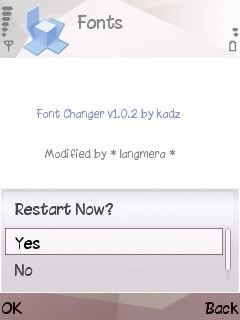
Font Changer modded run with Python application and PyModulePack.
This application can't run if the system on caps is on. If you wish to change font, you must turn "CapsOff" first. That's because this application running hard by system.
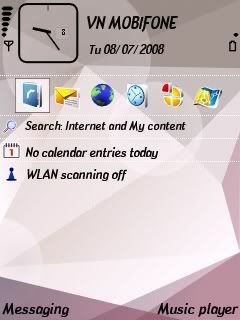
I make this application with 2 pattern. 1) FontChanger Without "FontRouter".
This is for who already have installed "FontRouter_LT". And 2nd) FontChanger with "FontRouter" and also two bonus "ChinaCatAR.ttf" and "MKLatinoplain.ttf" inside E:\data\Fonts\Font1 & Font2.
One think don't forget install "CapsOFF app made by FCA00000". Because
FontChanger need to caps off everytime when you want to changing the font.
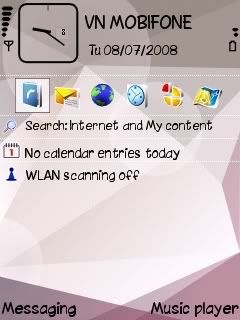
Note: All this app need to signed or hack phone.
instruction: Open FontChanger > press option > Press Main > than press CapsOFF. When you pressing CapsOff the screen will flicker. That's Ok.
Than choose which you want change the font. If you want to put any font by your self, just put inside folder "E:\data\Fonts\Font1 or Font2". no need to rename the font. That because FontRouter only read one font at the first chart.
![[Symbian+Fonts.jpg]](https://blogger.googleusercontent.com/img/b/R29vZ2xl/AVvXsEi4D7d6vFrZWzJWarOK_k3rWT70Q-56SwRJ8wMYyomzf8uVigEOM3m0DORx-65aV19Z0TZV3v8roi_rnx0Byj4hPkdu4sIIUuIjvlyOAMlBYlMeM1zphahd8GKQgJESCRojOiu12WII6Uqn/s1600-h/Symbian+Fonts.jpg)

 FlipFont v5.0.1 S60v5 (Non Trial ) - Change Your Mobile Font


